
Gameplay
ReStory gameplay loop: Repair Shop Guide
Official sources establish the broad repair-and-shop loop, while exact controls and device-specific steps still need current-build verification.
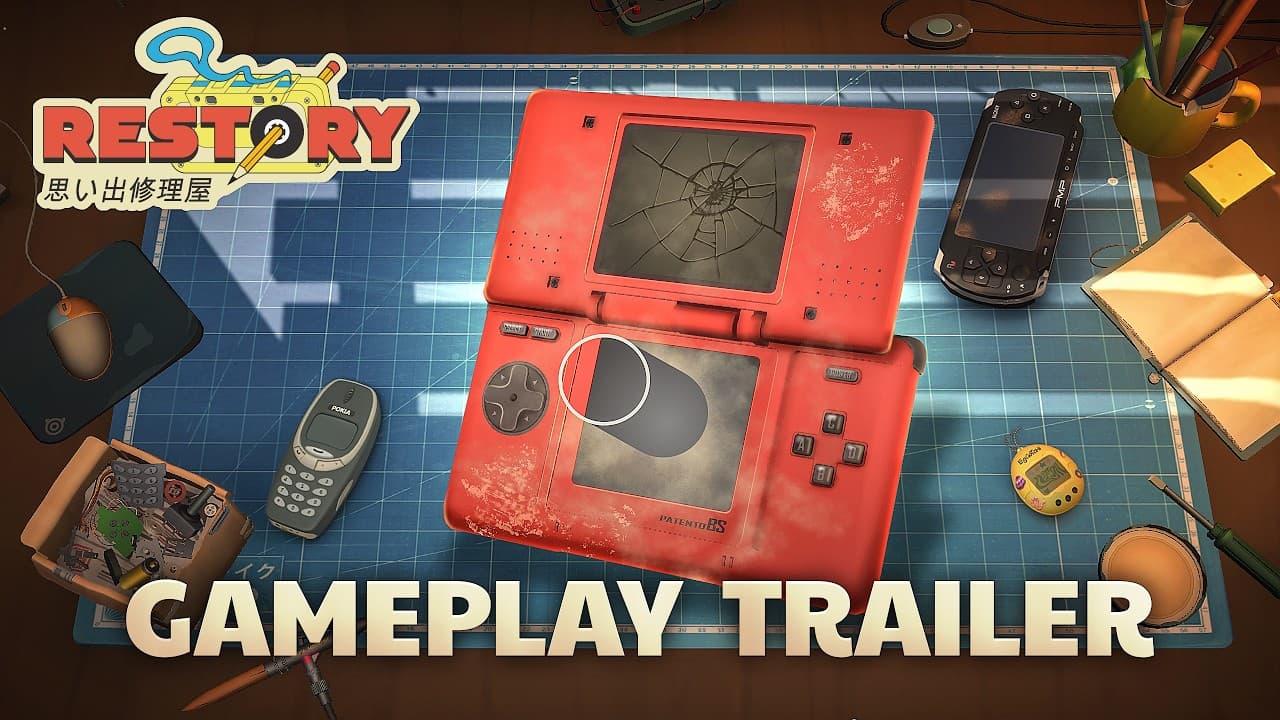
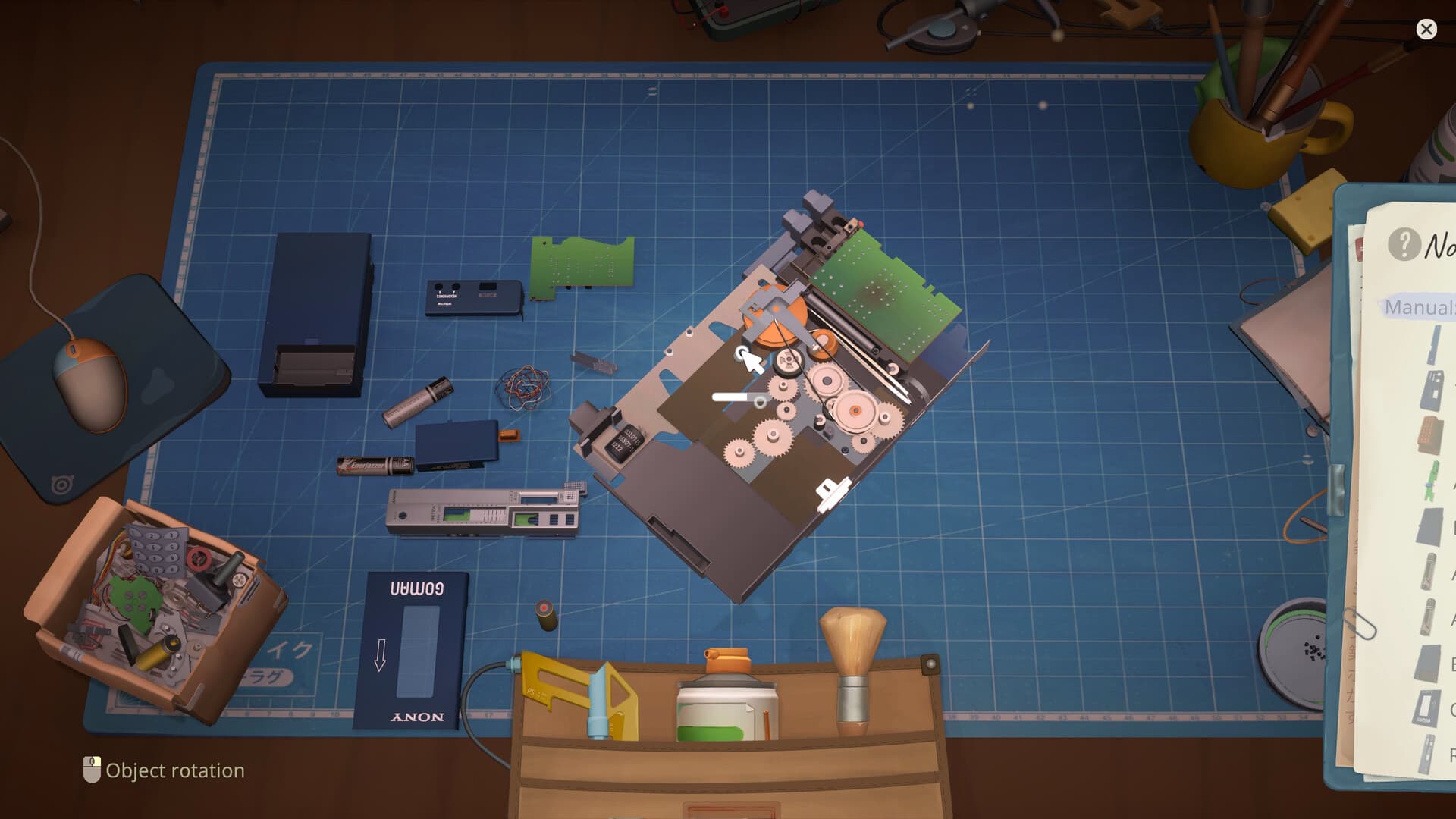 Official screenshot
Direct answer
The ReStory gameplay loop begins with an online or in-person order, moves through disassembly, cleaning, faulty-part replacement, and reassembly, then returns to shop management and customer choices. The official Steam description and two independent post-launch reviews agree on that broad loop; an independent repair guide adds a cautious inspect, clean, test, and rebuild sequence. Exact controls, 0% progress behavior, and device-specific diagnosis steps are still unconfirmed.
From customer order to repair bench
The official Steam page says the shop handles both in-person and online orders. Each order gives the repair context and connects the device to a customer rather than treating every object as free inventory. Public sources do not document a universal order priority, deadline, or menu sequence.
Before changing a device, read the active order and item state in the current build. A tutorial object, story order, and repeatable request may expose different actions. A precise order-by-order walkthrough requires reproducible full-release captures.
Disassemble, clean, replace, and rebuild
Steam explicitly lists taking gadgets apart, cleaning them, replacing faulty parts, and assembling them again with multiple tools. MonsterVine and Use a Potion independently describe the same sequence in their post-launch reviews. These sources support the broad workflow without proving a single button order for every device.
The available material does not publish a diagnostic chart, component failure rate, or required tool for every model. Screw locations, cleaning thresholds, and completion checks therefore remain unconfirmed; those device-specific procedures belong in a dated guide only after they can be reproduced in the current release.
Cleaning and unchanged progress
Cleaning is not a decorative side task: Steam tracks workshop and part-cleaning achievements, and the two independent reviews describe cleaning as a normal step before a repaired device is rebuilt. Casual Game Guides recommends cleaning and sorting before testing the job state, which gives beginners a concrete order of checks without claiming universal controls.
If an order still shows 0% or does not advance, re-check the requested service, all accessible device sides, the part condition, and the final rebuild before calling it a bug. The checked sources do not define a universal meaning for a 0% indicator or prove one fixed recovery action, so device-specific claims require a dated current-build reproduction.
Spare parts and shop decisions
The official store confirms a Y2K-style browser used to hunt for spare parts. It also names finances, customer intake, and continued shop management around the repair work. Market refresh timing, inventory limits, and an optimal profit route are not documented in those sources.
Use the current shop interface as the authority when a device needs a component. Do not assume that every shell can be sold, stripped, or recycled, because the universal unused-device action has not been verified. That inventory question is tracked in a separate research guide.
How story choices complete the loop
Official material says customer dialogue and player choices can affect a branching storyline and its ending. The handoff after a repair can therefore carry narrative consequences instead of acting only as a payment screen. The exact number of endings and the result of each response are not published.
A verified route guide must record the dialogue shown, immediate result, later consequence, and game version. Until that evidence exists, this guide describes only the confirmed system-level loop. It does not name a best choice or invent a relationship score.
Current-release verification checklist
This overview was checked against the current release sources on August 19, 2026. The official Steam feed still lists v1.0.010r as live, but it does not expose a build-numbered device procedure. For a device-specific answer, record the order and device, capture disassembly through reassembly, then compare the result with a second current record. If an action is unavailable or the order fails, keep the procedure unconfirmed.
Sources
See the editorial and sourcing policy for verification, corrections, community evidence, and media-use rules. Report a correction.