
Gameplay
ReStory Kawaii Overload: Paint Question Research Guide
A player report identifies Kawaii Overload as a paint-related question, but the checked sources do not yet establish a universal item, color, or order procedure.
Checked sources
Source evidence
A player report identifies Kawaii Overload as a paint-related question, but the checked sources do not yet establish a universal item, color, or order procedure.
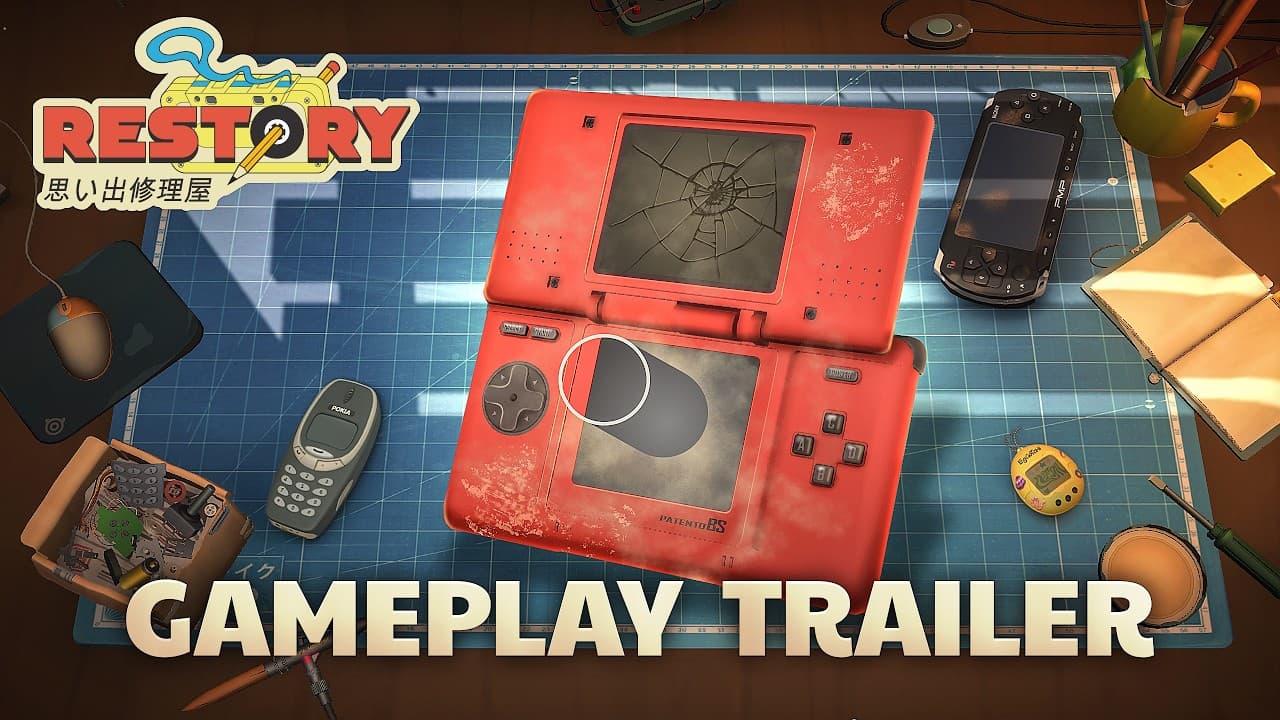 Official screenshot
Direct answer
As of August 14, 2026, the ReStory Kawaii Overload paint procedure is not confirmed. A player discussion is a useful research lead, while the official sources confirm painting and customization as game systems without documenting this specific item or its exact steps or current build number.
What the current evidence says
The available Kawaii Overload discussion is player evidence about a paint-related task. It can show what a player saw and help define a reproduction test, but it is not an official walkthrough or proof that the same result applies to every save and build.
Official store and announcement material confirms that ReStory includes painting and customization. Those sources do not name Kawaii Overload, a required color, an order deadline, or a universal menu sequence.
Current-build boundary
The checked public sources do not provide a current build number or a page-specific full-release capture for this task. Until a dated capture identifies the device, order, available action, and result, this page remains a noindex research lead rather than a definitive walkthrough.
What not to assume
Do not turn one report into a guaranteed brush, Airbrush, palette, reward, or customer route. The item name, order context, current game version, and available action should be recorded before comparing reports.
A video frame or search snippet can suggest where to look, but it cannot establish an exact current-build procedure by itself. Mark each step as confirmed, player-reported, or still unconfirmed.
Failure cases to record
If the paint action is unavailable, the item does not appear, the order does not complete, the result changes after reload, or the reported step only works in a demo or older build, record that outcome with the version and save context. A failed reproduction is useful evidence and should not be rewritten as a guaranteed route.
How to verify the answer
First, record the game version, active order, device name, and the exact point at which Kawaii Overload appears. Next, capture the available paint or customization actions without changing unrelated shop progress. Finally, reproduce the result and compare it with an independent current-build record or an official update before publishing a definitive route.
Until that evidence exists, keep this page as a research lead and use the published repair-loop, shop-management, and beginner guides for confirmed systems.
Sources
See the editorial and sourcing policy for verification, corrections, community evidence, and media-use rules. Report a correction.